
Get Clavenzo
Free, with no account to create. Choose whichever way you trust most.
Android
Android 7.0 or newer.
Coming to Google Play
The Android app is on its way to Google Play. This page will carry the link as soon as the listing is live.
Coming to Google Play
iPhone
iOS 15 or newer.
Coming to the App Store
The iPhone app is on its way to the App Store. This page will carry the link as soon as it is live. There is nothing to sign up for in the meantime, and no waiting list that collects your email address.
Coming to the App Store
On a computer
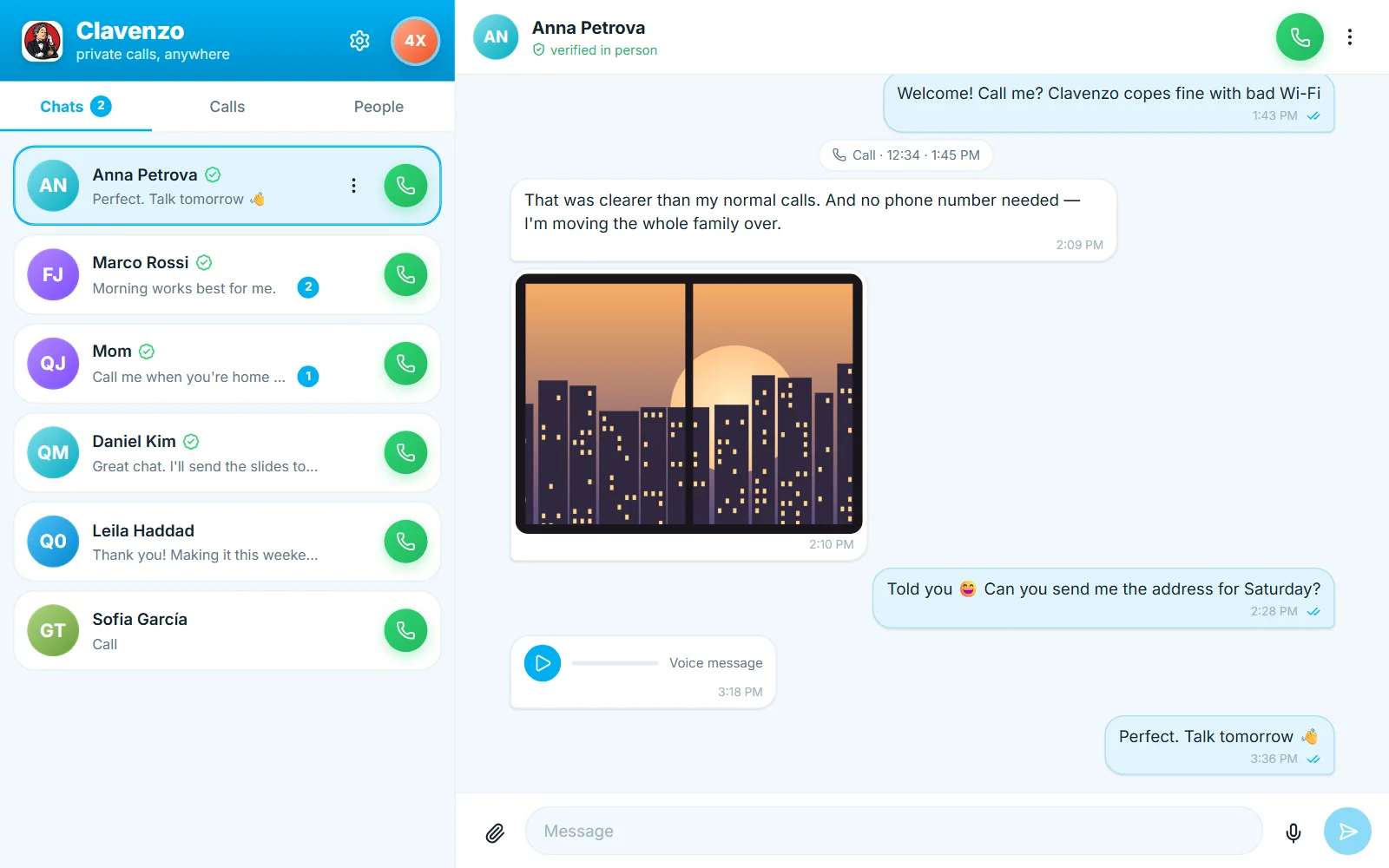
The desktop app is a device of its own, with its own address: it does not mirror your phone. It lives in the tray, so messages and calls still arrive while its window is closed.
Windows
Windows 10 or 11, 64-bit.
- Version
- 0.1.0 (7fb366c)
- Size
- 12.0 MB
Verify it before you install
Each checksum is computed from the exact file this page serves, every time the site is built. If what you downloaded matches, it is byte-for-byte what we published.
Clavenzo-windows-x64-setup.exe · SHA-2567dbbf51d2c4b86351a9bac97c0c73600bb4bb63e103d3a101bc1c7fb098b0b80
Clavenzo-windows-x64.msi · SHA-256bf7abc26b043b0e72fc5717b42093e2523cc0c603dc4a0a644503cbf733f3edb
This early build is not signed yet, so Windows SmartScreen may say it does not recognise the app. Check the SHA-256 above, then choose More info and Run anyway. Install one of the two files, not both.
Linux
64-bit, with a desktop keyring such as GNOME Keyring.
- Version
- 0.1.0 (7fb366c)
- Size
- 12.5 MB
Verify it before you install
Each checksum is computed from the exact file this page serves, every time the site is built. If what you downloaded matches, it is byte-for-byte what we published.
Clavenzo-linux-amd64.deb · SHA-25603ca3d80a62233a224b8e858e3d7c390f465e9e8c10007ce505d69cfee3b45bc
Clavenzo-linux-x86_64.rpm · SHA-25651c5215cffdd7eeeaf7ee49a121b447d8d1991e1741457059b8976895affe8ec
Open it with your software centre, or install it with sudo apt install ./Clavenzo-linux-amd64.deb or sudo dnf install ./Clavenzo-linux-x86_64.rpm.
Mac
Apple silicon and Intel.
Coming to the Mac
The Mac app is being built. This page will carry the link once it is signed and Apple has checked it.
Coming to the Mac
The first two minutes
Open the app. It makes your key, once, and that is the whole of signing up.
Send one person your code, or let them scan your QR.
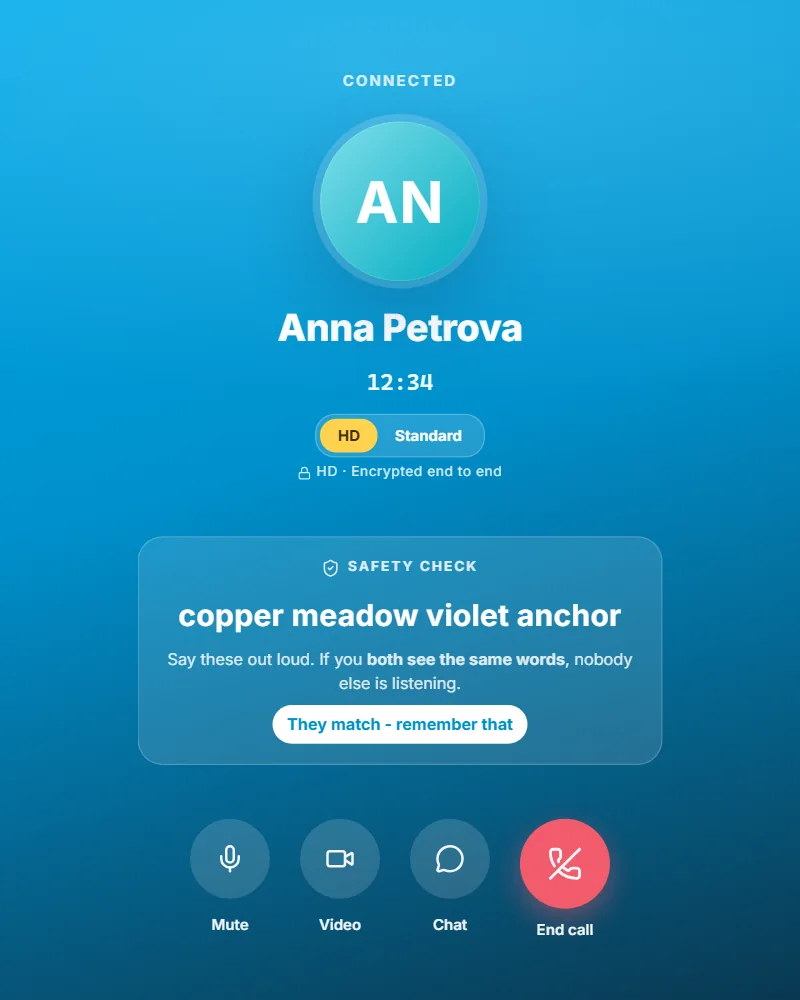
Call them, and read the four safety words aloud to each other.
Optional, and worth it: turn on App lock, and export your identity somewhere safe.